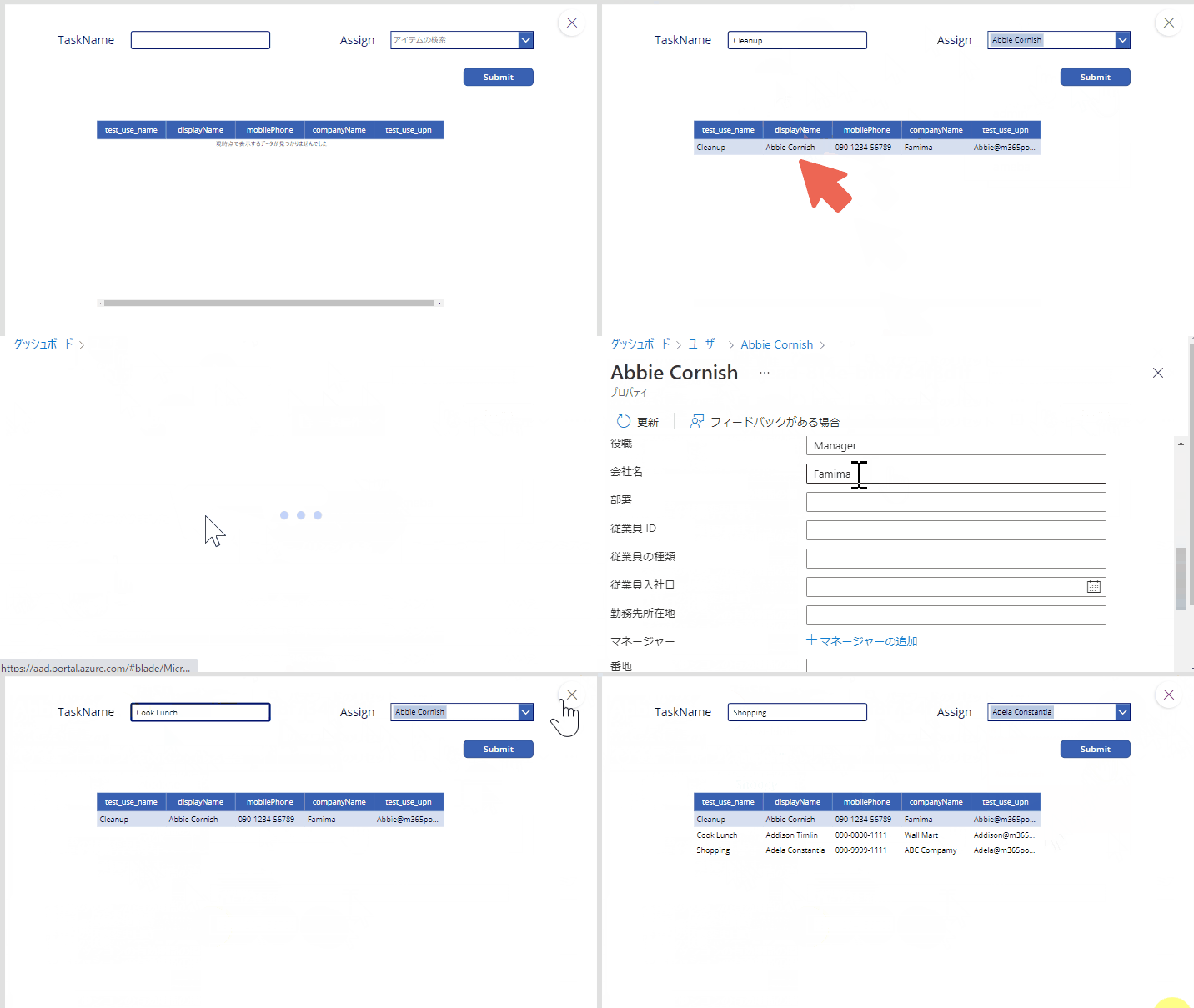
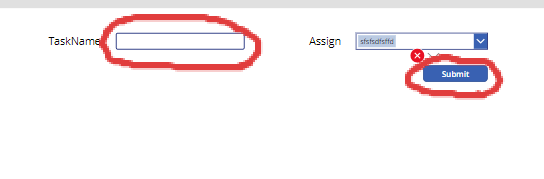
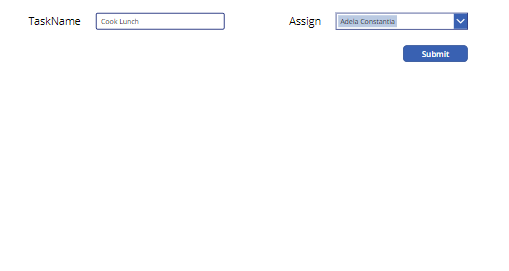
以下のようなアプリを作成する方法を説明する。
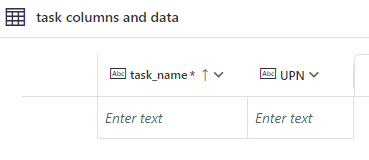
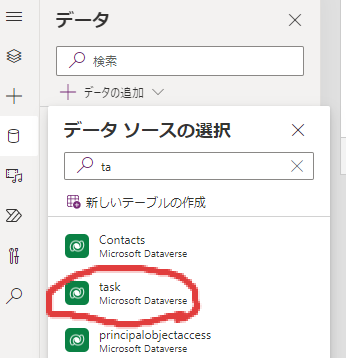
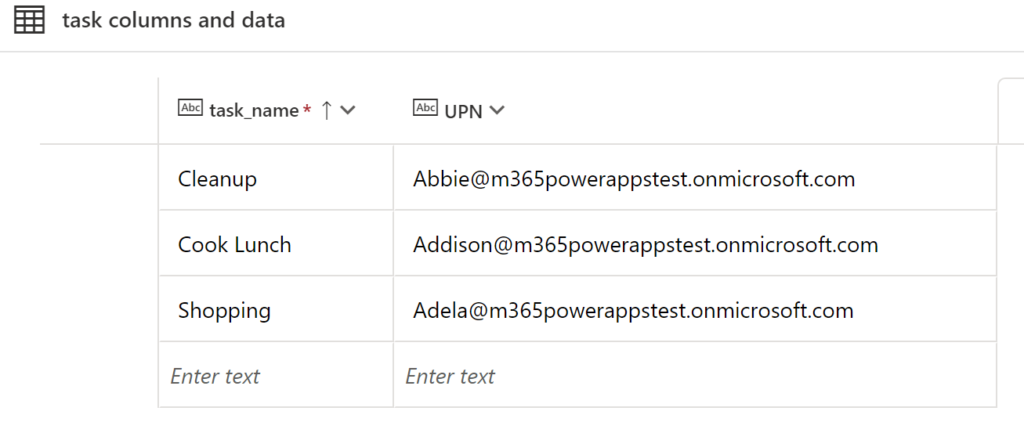
以下のようなDBを作成する
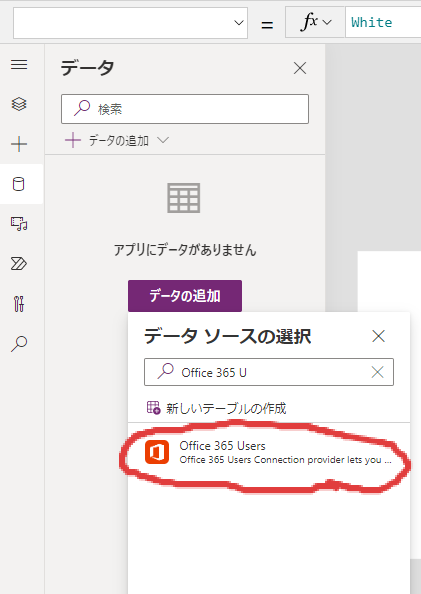
Office365Usersを追加
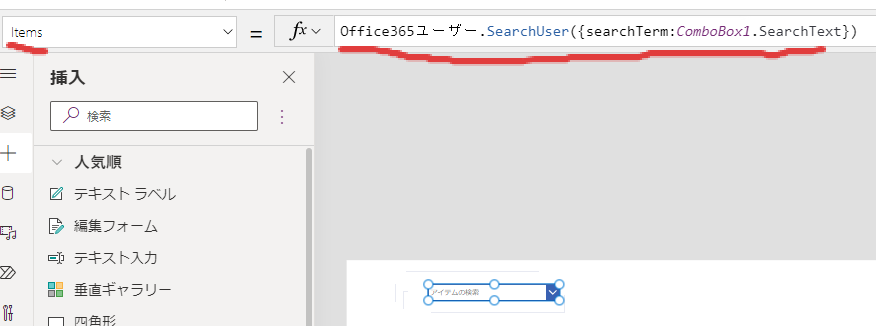
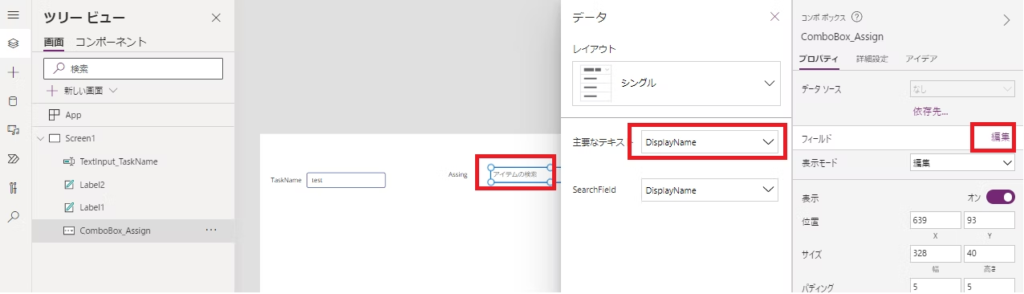
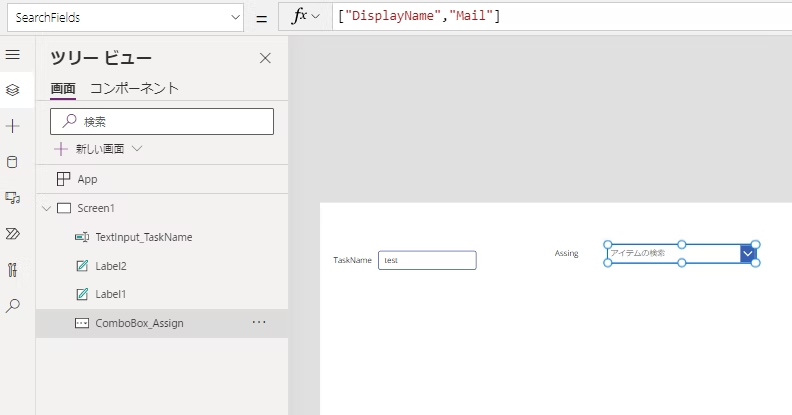
Office365ユーザー.SearchUser({searchTerm:ComboBox1.SearchText})コンボボックスに表示される内容の指定

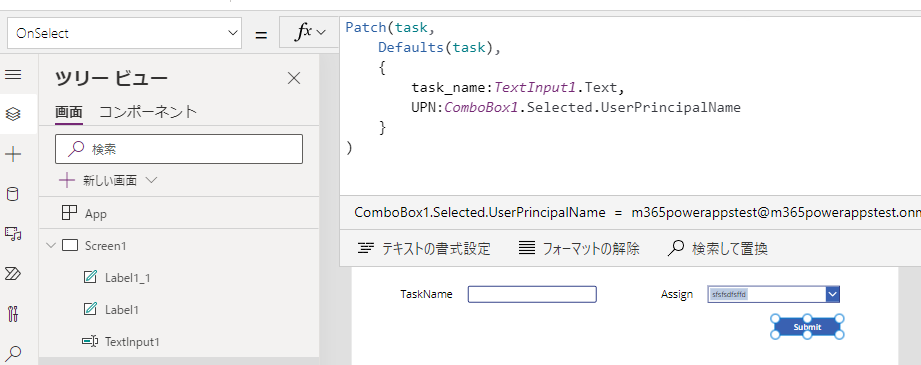
Patch(task,
    Defaults(task),
    {
        task_name:TextInput1.Text,
        UPN:ComboBox1.Selected.UserPrincipalName
    }
)
適当にデータを登録
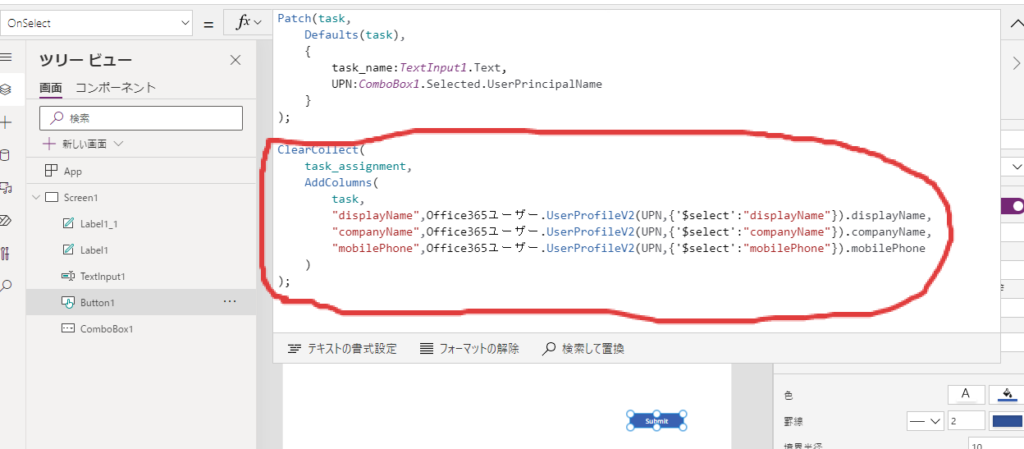
登録ボタンのOnSelectに以下を追加
Patch(task,
    Defaults(task),
    {
        task_name:TextInput1.Text,
        UPN:ComboBox1.Selected.UserPrincipalName
    }
);

ClearCollect(
    task_assignment,
    AddColumns(
        task,
        "displayName",Office365ユーザー.UserProfileV2(UPN,{'$select':"displayName"}).displayName,
        "companyName",Office365ユーザー.UserProfileV2(UPN,{'$select':"companyName"}).companyName,
        "mobilePhone",Office365ユーザー.UserProfileV2(UPN,{'$select':"mobilePhone"}).mobilePhone
    )
);
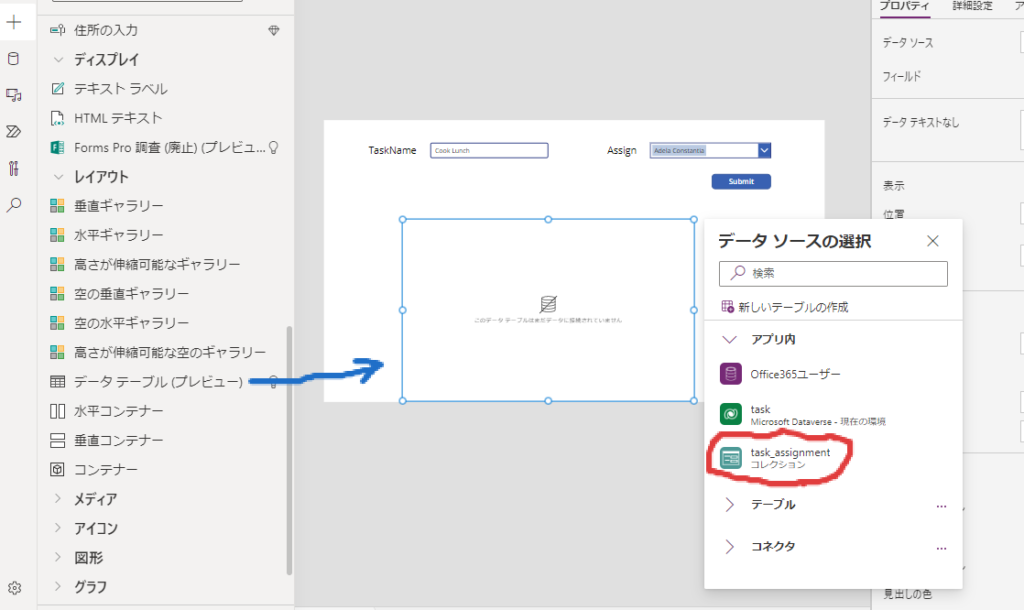
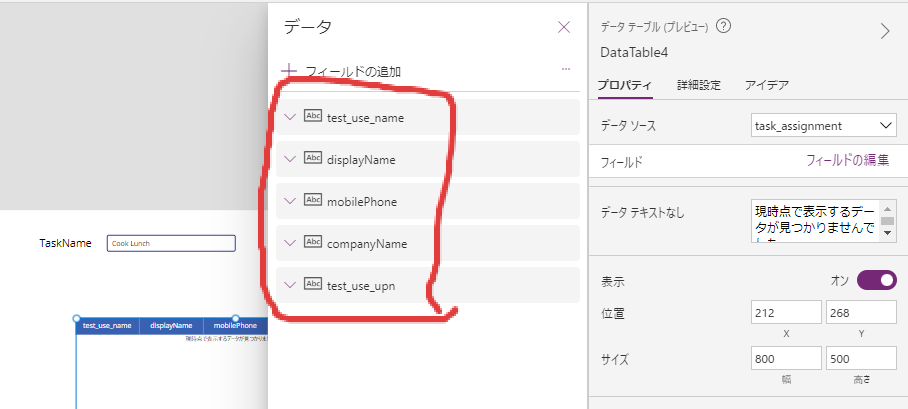
上記のSubmitボタンを押したあとに、以下のように再度データテーブルを挿入し、ボタンを押した時に作成されるコレクション、task_assigmentを指定する